


ARE YOU STRUGGLING TO SET THE TIDE ON YOUR RIP CURL TIDE WATCH?
Follow these steps to set your world tide location:
- Hold the lower left “search” button for 3 seconds until the location menu appears.
- Use the buttons on the right side of the to toggle to your location, using the search buttons to select your location.
- Press and hold the search button to finish.
- Select Daylight Savings Time (DST) to be on or off. This should be set to on in Summer time in Australia.
From now on once you have set your location, you can just press and hold the top right button for 5 full seconds to turn off/on DST.
Setting the Time:
- Make sure you have selected DST correctly as shown above.
- On the main screen hold the top left button.
- Use the lower left button to take you from field to field.
- Use the right buttons to change your selection.
- Hold top left button once you have everything set right.
Upgrade today!
-
 Rip Curl Odyssey Tide Watch$269.99
 -
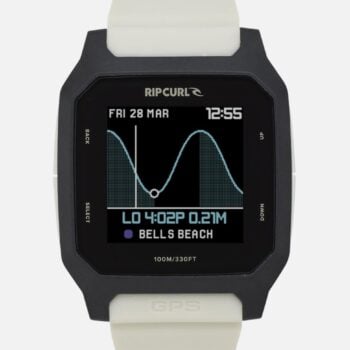
Rip Curl Search GPS 3$349.99
-
Rip Curl Rifles Tide Watch$269.99
-
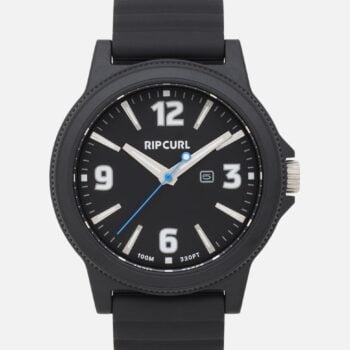
Rip Curl Daze Abs Pu$179.99
-
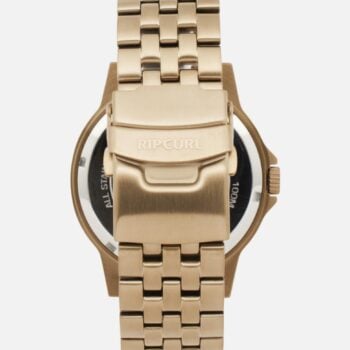
Rip Curl Daze Stainless Steel Plated$299.99
-
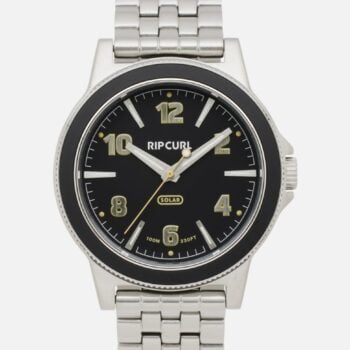
Rip Curl Daze Solar Stainless Steel$349.99
-
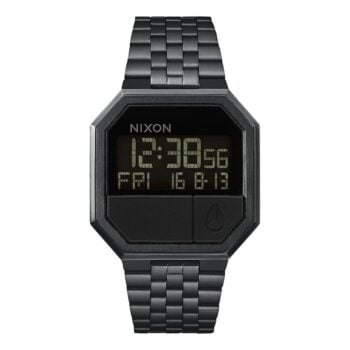
Nixon Re-Run Black$199.99
-
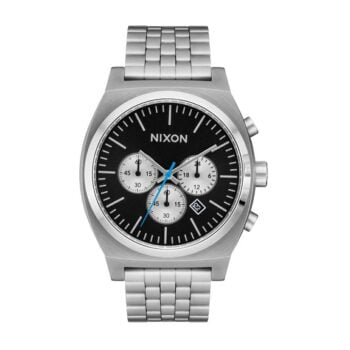
Nixon Time Teller Chronograph Chrome$299.99
-
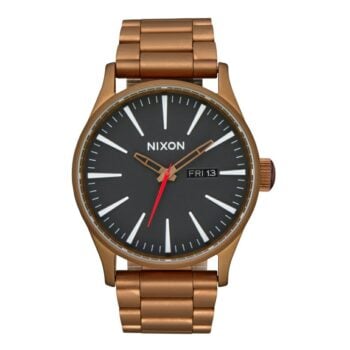
Nixon Sentry Ss Bronz/Black$349.99




Ꮃay cool! Some extremely valid points! I apprecіаte y᧐u writing this article plus
the rest of the site is really good.